올바른 패키지 다운로드
Start from the trusted Ryubing Canary release source, choose the package for your operating system, and do not use repacked installers, APK mirrors or pages that bundle setup files.
설정 가이드
에뮬레이터 빌드, 합법 설정 파일, firmware, 게임 폴더를 올바른 순서로 구성합니다.
$ 채널: Canary
$ 플랫폼: Windows Linux macOS
$ 출처: Ryubing 릴리스
$ 상태: 다운로드 전에 확인
독립 가이드입니다. 키, 펌웨어, ROM, DLC 또는 게임 파일을 호스팅하지 않습니다.
These links point to verified Ryubing Canary release assets checked during implementation.
Start from the trusted Ryubing Canary release source, choose the package for your operating system, and do not use repacked installers, APK mirrors or pages that bundle setup files.
Extract the full archive into a normal user folder such as Downloads, Documents or a dedicated emulator folder. Avoid protected system folders if permission warnings appear.
Open the emulator once before adding setup files so the expected user folders are created by the app itself.
Use only legally dumped prod.keys from your own console. Open the Ryujinx folder from inside the app, place the file in the system folder, then restart.
Install firmware only after keys are detected, using a legally dumped firmware source. Restart before testing a game.
Add a legally dumped game directory and test one title before changing graphics, audio or controller settings.
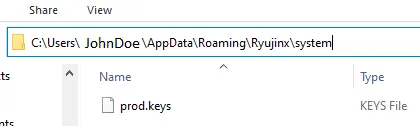
본인의 Nintendo Switch에서 합법적으로 덤프한 키, 펌웨어, 게임만 사용하세요. 이 사이트는 키, 펌웨어, ROM, DLC, 업데이트 또는 게임 파일을 제공하지 않습니다.
출처: Ryujinx 설정 가이드Ryujinx Canary가 정상 실행되면 컨트롤러, 그래픽 백엔드, 오디오를 하나씩 조정합니다. 먼저 깨끗한 설치 상태를 확인하세요.
업데이트 전에 현재 빌드와 사용자 데이터를 보관하세요. 새 Canary가 실패하면 이전 빌드와 비교해 회귀 여부를 확인할 수 있습니다.
첫 실행은 필요한 폴더를 만듭니다. 앱에서 폴더를 열면 오래된 튜토리얼의 숨은 경로를 추측하지 않아도 됩니다.
“ryubing apk”는 Windows, Linux, macOS 설치 흐름이 아닙니다. 공식 Android 지원이 명확하지 않다면 APK 미러를 피하세요.
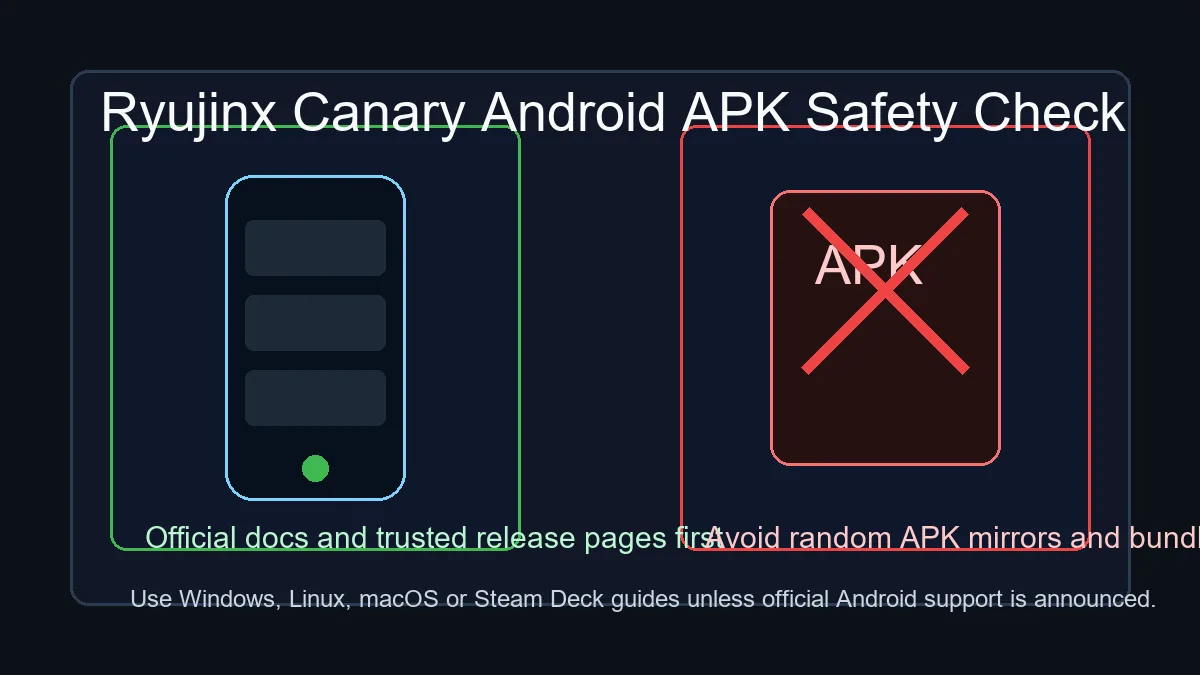
에뮬레이터가 열리고 합법 keys와 firmware를 인식하며 게임 폴더를 표시하고 한 타이틀을 실행하면 확인된 상태입니다.
이전 아카이브, 저장 데이터, 설정, 현재 버전을 보관하고 업데이트 후 한 타이틀로 테스트하세요.
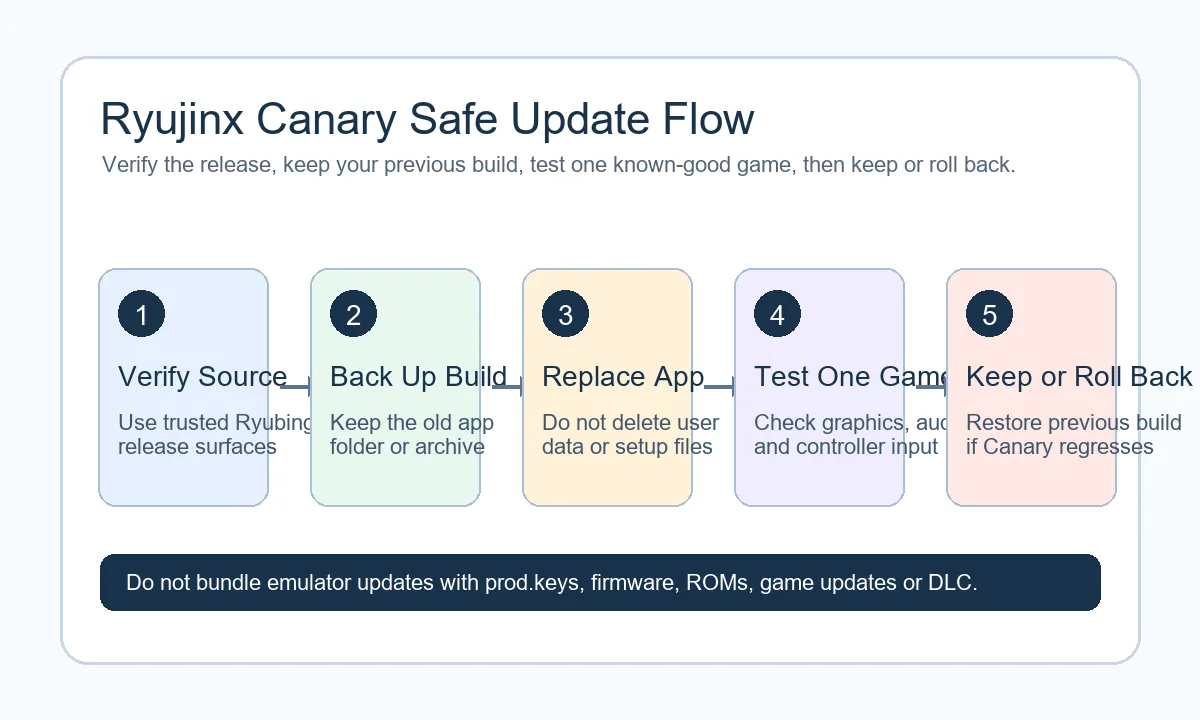
게시 전에 릴리스, 설정, 문제 해결 정보를 확인하기 위한 참고 자료입니다.
공식 Ryubing 출처를 확인하고 재패키징 설치 파일, 임의 APK, 비공식 미러를 피하세요. 본인의 Nintendo Switch에서 합법적으로 덤프한 키, 펌웨어, 게임만 사용하세요. 이 사이트는 키, 펌웨어, ROM, DLC, 업데이트 또는 게임 파일을 제공하지 않습니다.
압축을 풀고 에뮬레이터를 한 번 실행한 뒤 합법적으로 덤프한 keys와 firmware를 추가하고, 그래픽이나 컨트롤러 설정을 바꾸기 전에 게임 폴더 하나로 테스트하세요.
Back up saves and configuration first, then separate the extracted app folder from user data before deleting anything.
“ryubing apk” 검색은 Windows, Linux, macOS 설치 절차가 아닙니다. 공식 Android 지원이 명확히 발표되지 않았다면 임의 APK 미러를 피하고 Android APK 안전 페이지를 확인하세요.