Start from the problem you need to solve
Do not switch only because Canary sounds newer. Identify a specific crash, compatibility issue, graphics fix or feature that may justify testing it.
Channel comparison guide
Ryujinx Canary is the faster-moving release channel: it receives recent changes sooner, but it can also expose regressions sooner. Stable is the better default when predictability matters; Canary fits users who need a recent fix and are willing to test, back up and roll back.
$ question: stable or canary
$ canary: newest changes sooner
$ tradeoff: more regression risk
$ safe habit: backup and rollback
This independent guide compares release channels. It does not host emulator binaries, keys, firmware, ROMs, updates or DLC.
Use the table as a decision aid, not as a promise that one channel always performs better.
| Decision point | Stable | Canary |
|---|---|---|
| Update pace | Changes arrive after a calmer release cycle. | Recent changes and fixes can arrive sooner. |
| Regression risk | Usually the safer default for an unchanged setup. | Higher chance that a new build changes behavior. |
| Performance | Can be equal or better when the setup already works. | May help only when a recent change targets your issue. |
| Troubleshooting | Fewer version changes to isolate. | Keep the previous build and test one variable at a time. |
| Best fit | Daily use and users who value predictability. | Testing, recent fixes and users comfortable with rollback. |
Do not switch only because Canary sounds newer. Identify a specific crash, compatibility issue, graphics fix or feature that may justify testing it.
Keep the current build folder or archive, back up important user data, and note the settings that currently work.
Run the same legally dumped game and settings on both builds. Stay on Canary only if the measured benefit outweighs the added update risk.

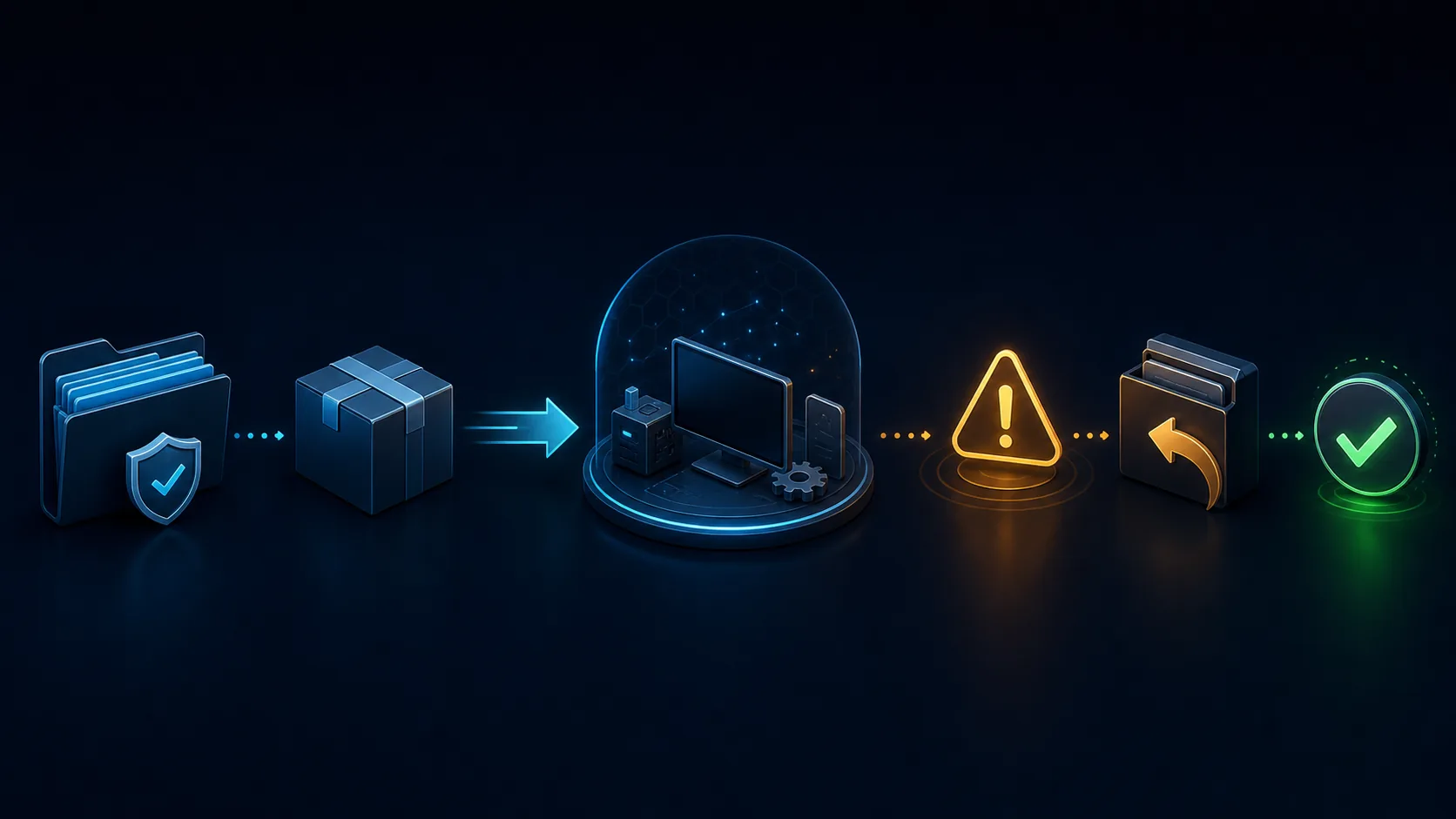
Editorial concept graphic comparing predictable Stable releases with faster Canary testing. It is not an official screenshot or real application interface.
Canary names a fast release channel used to expose recent project changes to users earlier. It does not mean a separate console, a special game format or an all-in-one package. In current searches, Ryujinx Canary often refers to the Canary channel maintained around the Ryubing continuation of Ryujinx. The safest first step is still to verify the project source and release page before downloading.
The practical difference is timing. Stable favors a release point that changes less often. Canary favors earlier access to code changes. That can include a useful compatibility fix, but it can also include a regression that affects graphics, input, startup or one game. Newer does not automatically mean faster, safer or more compatible for every system.
Canary fits users who can describe the problem they are testing, preserve a known-good build and compare results. It is also reasonable when official notes or trusted project discussion point to a recent fix you need. It is a poor fit when you want an install-and-forget setup, rely on one game every day or do not want to troubleshoot after updates.

Sometimes, but not by definition. A Canary build may contain a renderer, shader, CPU, memory or game-specific change that improves one workload. The same build may show no change on another system or introduce stutter or crashes. Compare the same game version, graphics backend, resolution, mods and settings. A clean A/B test is more useful than assuming the channel name guarantees higher FPS.
You can test separate builds, but protect your baseline. Keep separate application folders where the platform supports it, preserve the old archive, and back up important saves and configuration before experimenting. Do not download keys, firmware or games from a build mirror. Those files are separate from the emulator and should come only from your own legally obtained console data.
Record the version you are leaving, keep its archive, update from the verified project source, and test one title before changing drivers, mods or graphics settings. If the result is worse, return to the known-good build and confirm the regression before reporting it. The official Ryubing Forgejo API confirmed Canary 1.3.341 on August 16, 2026 and exposed verifiable asset names and sizes.
Avoid comparing different game updates, mods, firmware, graphics drivers or settings at the same time. Do not treat an Android APK mirror as an official Canary channel. Do not assume a community build includes keys or firmware. Most confusing comparisons happen because several variables changed together, not because Stable or Canary is universally better.
Choose Stable when your current games work and you value predictable behavior. Choose Canary when you need a recent change, can test carefully and accept rollback. If you are new, begin with the download and install guides, finish legal keys and firmware setup, then move to Canary only when you can name the benefit you are trying to verify.
The official Ryubing Forgejo API confirmed Canary 1.3.341 on August 16, 2026 and exposed verifiable asset names and sizes.
Ryujinx Canary is the faster-moving release channel that exposes recent changes earlier than Stable. It is intended for testing and recent fixes, with a greater need for backup and rollback.
Not universally. Canary can help when a recent change fixes your specific issue, while Stable is usually better when your setup already works and predictability matters.
No. Performance depends on the exact build, game, hardware, driver, graphics backend, settings and mods. Test the same baseline before drawing a conclusion.
A beginner can use it, but Stable is the calmer default. Use Canary when you understand the reason for switching and can keep a working build for rollback.
The official latest Canary endpoint redirected to version 1.3.341 on August 16, 2026. Recheck the official source because Canary changes quickly and the release host may require browser verification.