Focused error diagnosis
Ryujinx prod.keys Not Found: A Safe Diagnostic Checklist
If Ryujinx Canary says prod.keys is missing or not found, do not start by replacing files from the web. First confirm the exact filename, the application-opened system folder, a full restart, file access and compatibility with your legally dumped firmware.
$ channel: canary
$ platforms: windows linux macos
$ source: ryubing releases
$ status: verify before download
Independent guide. No keys, firmware, ROMs, DLC or game files are hosted here.
Primary error
prod.keys not found
Files hosted here
None
Best first action
Open the system folder
Verified Canary
1.3.341 on August 16, 2026
Fix prod.keys Not Found in This Order
Check the exact file
Place and restart
Check compatibility

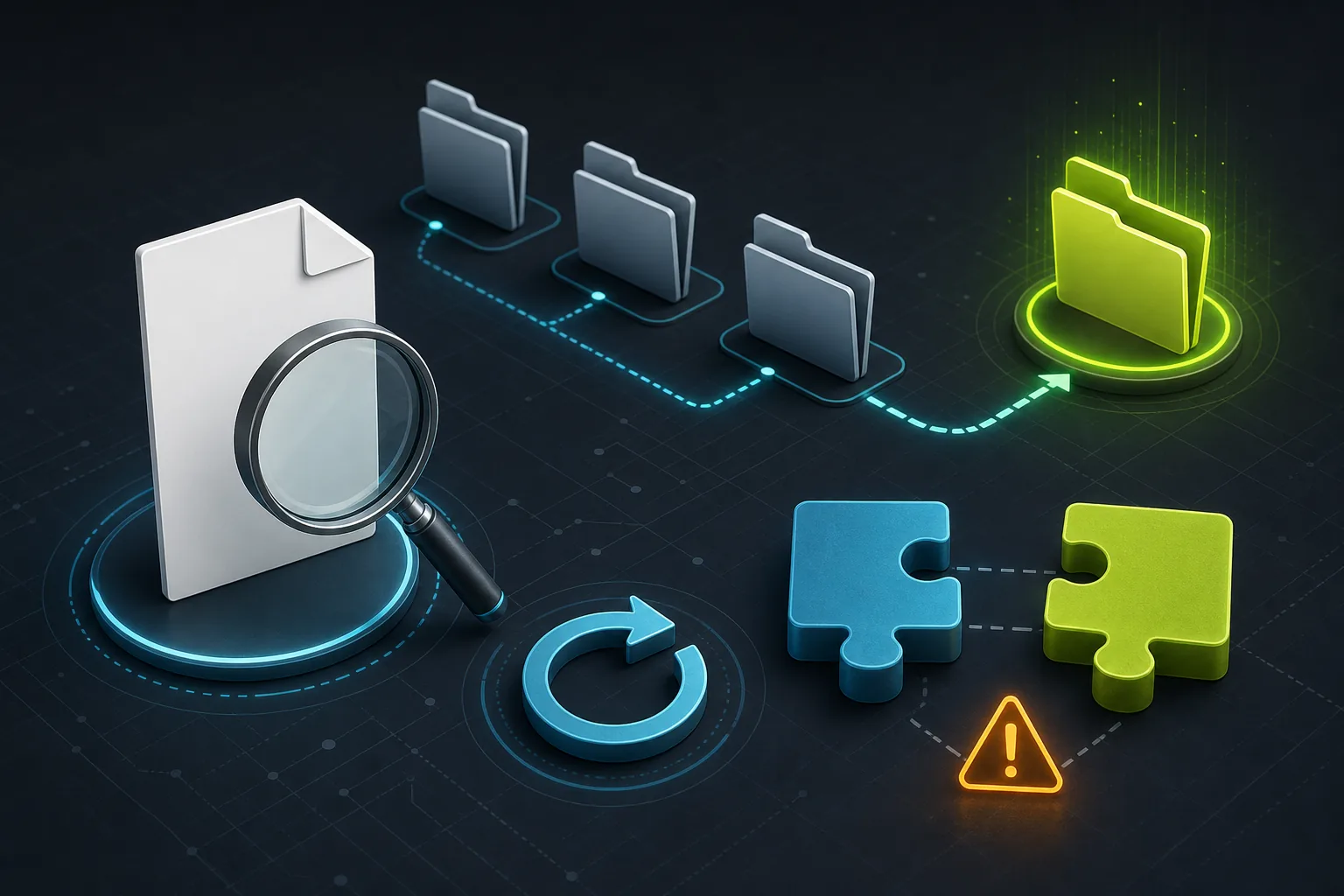
The Four-Checkpoint Diagnostic Flow
Editorial diagnostic illustration: folder, filename, restart and compatibility checks. This is a conceptual graphic, not a Ryujinx screenshot.
What the Error Usually Means
The message normally means the running Ryujinx profile cannot read a valid prod.keys file from the system folder it is actually using. The cause is often a wrong folder, hidden .txt extension, archived file, stale process, permission issue or an incompatible legal dump—not proof that you need a download.
Use the System Folder Opened by Ryujinx
Open the Ryujinx data directory from inside the application, then open the system folder. Portable builds, old shortcuts and side-by-side Canary versions can use different data locations, so a path copied from another computer may be wrong.
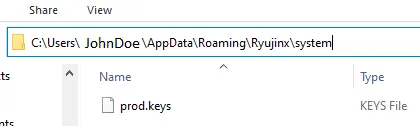
Check the Filename and File State
Enable file-name extensions in the operating system. Confirm the file is exactly prod.keys and is not prod.keys.txt, prod.keys.zip or a zero-byte placeholder. Do not rename an unrelated file to make the warning disappear.
Close Every Ryujinx Process Before Retesting
Ryujinx may not re-read setup files until it fully restarts. Close the window, verify no old process remains, then relaunch the same build and profile. Test the setup before changing firmware, graphics settings or game files.
Check Read Access, Quarantine and Sync Folders
A correct file can still be unreadable when the data folder is inside a protected, cloud-synced or partially restored location. Keep the emulator data in a normal user-writable folder and verify security software did not quarantine the file.
Separate Missing-File Errors From Version Mismatch
A missing-file warning and a version mismatch are different problems. After Ryujinx detects prod.keys, install only firmware legally dumped from your own console and keep the dump versions reasonably aligned. Change one variable at a time.
Why This Page Does Not Provide prod.keys
prod.keys contains copyrighted console secrets. This guide does not host, bundle or link to keys, firmware, ROMs, games, updates or DLC. Queries about obtaining keys from third-party sites are intentionally not served; use your own lawful dump.
When to Continue With the Broader Setup Guide
If the filename and active system folder are correct but detection still fails, continue with the keys and firmware guide for legal setup order, then the install guide for profile and folder checks. A game-only failure belongs in compatibility or crash troubleshooting, not on this page.
Official Context and Safe Boundaries
The official Ryubing Forgejo API confirmed Canary 1.3.341 on August 16, 2026 and exposed verifiable asset names and sizes.
Frequently Asked Questions
Where should prod.keys go in Ryujinx?
Use the application menu to open the active Ryujinx data folder, then place your legally dumped prod.keys in its system folder. Do not assume every build uses the same path.
Why does Ryujinx still say prod.keys is not found after I copied it?
Check for a hidden .txt extension, a ZIP archive, the wrong profile folder, an old running process, permissions or quarantine. Restart the exact build you are testing.
Can I download prod.keys from this site?
No. This site does not host or link to prod.keys, firmware, ROMs, game updates, DLC or games.
How do I install prod.keys in Ryujinx?
Open the active data folder from Ryujinx, place your own legally dumped prod.keys in system, fully restart the application and confirm detection before installing firmware.
Does a newer Canary build require new keys?
Not every update does. If the file is detected but content fails, compare your lawful key dump, firmware and title requirements before changing emulator builds.
Is prod.keys not found the same as a firmware error?
No. Fix key detection first. Firmware installation and game compatibility are separate later checks.