Confirm the exact game update
Record title ID, installed update, build ID and Ryujinx Canary version. A code for another update can be ignored or unstable.
Cheat code setup guide
Ryujinx cheat codes usually fail because the code targets a different game update, the text file is in the wrong folder, the format is damaged, or multiple codes conflict. Use this clean test sequence without downloading games, keys, firmware or paid cheat packs.
$ version: match game update
$ file: plain UTF-8 text
$ test: one code only
$ backup: before progression changes
Independent guide. No games, keys, firmware or cheat databases are hosted here.
Record title ID, installed update, build ID and Ryujinx Canary version. A code for another update can be ignored or unstable.
Use the game context menu so the file does not land under the wrong title or user profile.
Keep headers, hexadecimal values and line breaks in a plain UTF-8 text file.
Test one small reversible code after a complete game restart; do not enable a whole database.
Disable the code and restore a backup save if the game crashes, freezes or progression changes.

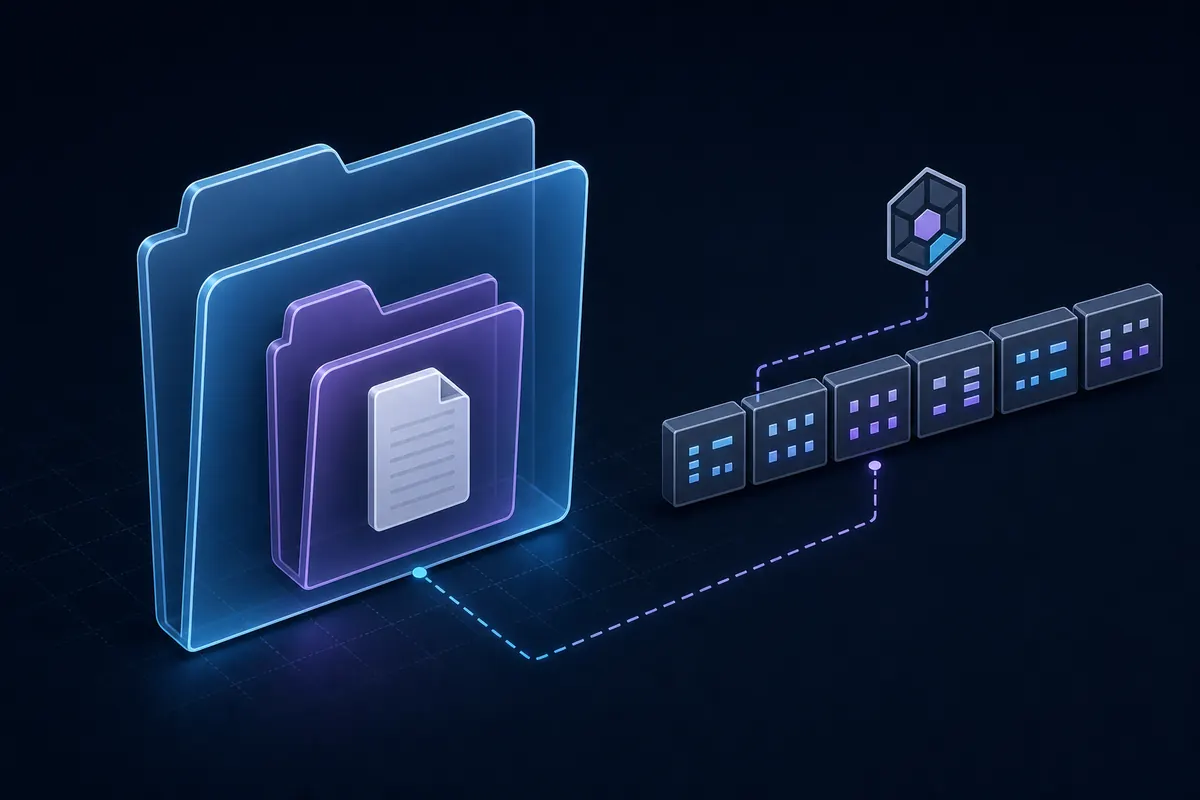
Editorial illustration, not a real Ryujinx screenshot. Control the game version, folder structure and enabled code list.
Ryujinx cheat codes are memory patches or runtime instructions for a specific game and often a specific update or build ID. They can change health, currency, inventory, movement speed or frame behavior. The same text may fail after a game update because the memory layout changed. Keep cheats separate from graphics settings, firmware, prod.keys and game files.
Let Ryujinx open the selected game's mod directory, then create or verify the cheat subfolder there. Do not guess the title ID or put the file beside the emulator. Use plain UTF-8 text, show the .txt extension, avoid cheats.txt.txt, and inspect archives before copying them.
Preserve brackets, spacing, line order and hexadecimal characters. Chat apps and formatted documents can replace characters or collapse line breaks. If the code is not listed, compare the file with its source and confirm the supported update or build ID.
Back up the save before codes that alter inventory, quests, currency or progression. Confirm the game works without cheats, enable one code, restart the title and test in a controlled location. Record the working version and source before adding another change.
Not listed usually means a path, filename, extension or text-format problem. Listed but inactive usually means an update/build ID mismatch, activation condition or conflict. Disable every other cheat and mod before downloading more files.
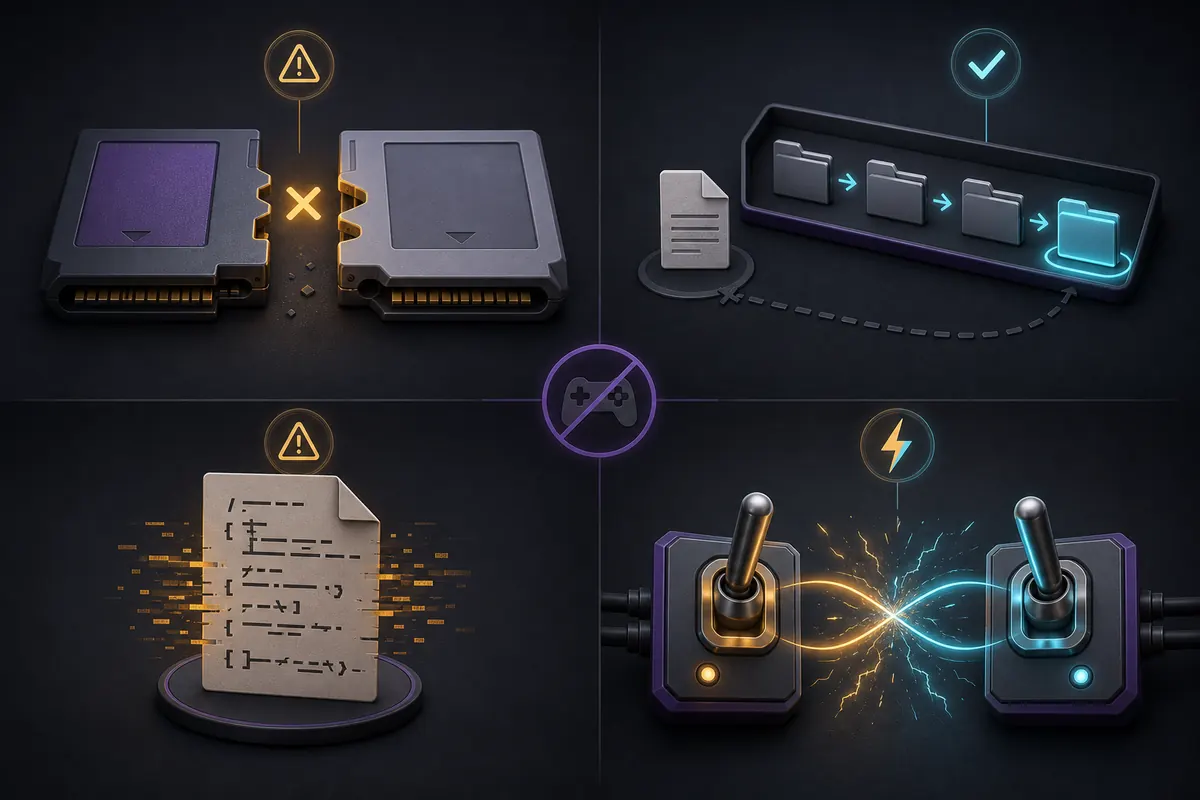
A database is a reference, not a compatibility guarantee. Prefer transparent text repositories that name title ID, update, build ID, author and revision date. Avoid executables, installers, password archives and pages that bundle ROMs, prod.keys or firmware.
Cheats usually alter runtime values while mods often patch exefs or romfs files. Both can be update-sensitive and conflict. Test 60 FPS patches, texture mods and cheats separately, then add one change at a time.
Official Ryubing sources verify the emulator release and legal setup boundaries. Cheat codes are normally community-maintained and must be checked per game update.
Open the game's mod directory from Ryujinx and place the plain text file in the game-specific cheats structure.
Check folder level, double .txt extension, damaged formatting and the active user profile.
It may target another update/build ID, require a button condition or conflict with another code.
Yes. Back up saves before changing quests, inventory, currency or progression.
Most databases are community-maintained, not official Ryubing releases.