Record when the crash happens
Separate launch crashes, game boot crashes, mid-game crashes and update regressions before changing settings.
Crash troubleshooting
Use this guide when Ryujinx Canary closes on launch, crashes after loading a game, shows a black screen, loses audio before crashing, or breaks after a Canary update. The goal is to isolate build, driver, setup-file and game-specific causes without deleting working data.
$ crash: identify stage
$ test: one build one game
$ graphics: driver vulkan scale
$ rollback: compare previous build
Independent troubleshooting guide. No keys, firmware, ROMs, DLC or game files are hosted here.
Separate launch crashes, game boot crashes, mid-game crashes and update regressions before changing settings.
Use a legally dumped title that worked before, default settings and the same game directory so the test has a stable baseline.
Update GPU drivers when appropriate, verify Vulkan support, and change one backend or graphics option at a time.
Missing or mismatched keys, firmware or game updates can block boot, but they should be checked methodically and legally.
If the crash began after updating, keep the new build separate and test the last working build before deleting profiles or saves.
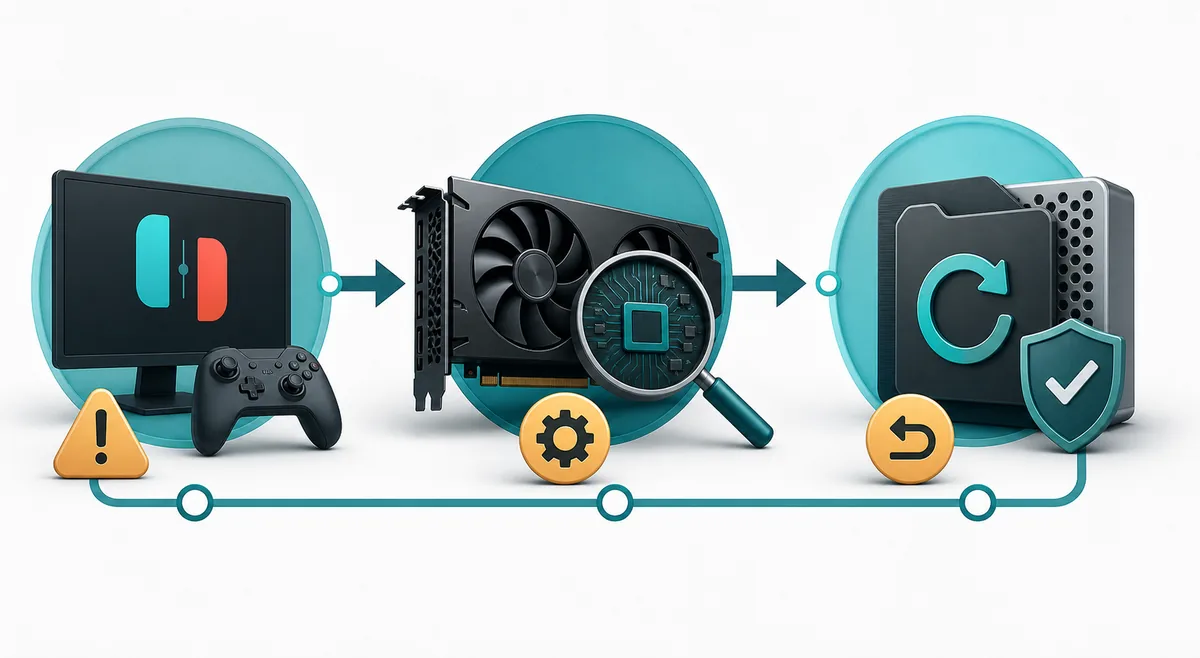
A crash can come from the build, graphics stack, setup files, game data or a local profile. Change one layer at a time so the fix is traceable.
Ryujinx Canary crashing is not one problem. A launch crash usually points to extraction, permissions, missing runtime dependencies, driver initialization or a corrupted local configuration. A crash when a game starts can involve keys, firmware, game files, graphics backend or game updates. A mid-game crash is more likely tied to a specific title, shader compilation, resolution scale, controller profile, audio timing or a recent Canary regression. Write down the exact point of failure before changing settings.
The fastest way to make crash diagnosis confusing is to change the emulator build, firmware, game update, graphics backend and controller profile in one pass. Start with one Canary build, one legally dumped game, one graphics backend and one profile. If the crash is repeatable, change one variable and test the same scene again. Keep your user data, saves and working build separate from the app folder you are testing.
| Baseline item | Why it matters | What to avoid |
|---|---|---|
| One Canary build | Keeps the emulator variable stable | Do not overwrite a working folder immediately |
| One known-good game | Separates emulator crash from a bad dump | Do not test a new game and a new build together |
| Default graphics first | Reduces false positives from tuning | Do not start with high SSAA or per-game overrides |
| Short notes | Makes rollback evidence useful | Do not rely on memory after several failed tests |
If Ryujinx Canary closes before you can open settings, start outside the emulator. Re-extract the archive into a normal user-writable folder, avoid Program Files or protected drive roots on Windows, confirm AppImage execute permissions on Linux and Steam Deck, and verify that security software did not quarantine files. On macOS, check Gatekeeper prompts against the release source. Startup crashes can also come from a damaged local configuration, but move or back up configuration folders rather than deleting them blindly.
Graphics initialization is one of the most common crash layers for emulator users. If the app opens but games crash, show a black screen or freeze during shader compilation, test the graphics stack methodically. Update NVIDIA, AMD or Intel drivers when they are clearly old, verify Vulkan support on Linux and Steam Deck, and return resolution scale to native before judging stability. If the project exposes multiple graphics backend options, change only one backend setting at a time and retest the same game segment.
| Symptom | Likely layer | Best next action |
|---|---|---|
| Black screen then crash | Graphics backend or driver | Return to native scale, update driver if needed and test one backend change. |
| Crash during first shader-heavy scene | Shader compilation or GPU load | Retest the same scene after shaders build and lower heavy graphics settings. |
| Only one title crashes | Game-specific behavior | Compare with default profile and the game compatibility guide. |
| Every title crashes after launch | Global setup or graphics layer | Check firmware/keys boundary, driver stack and the previous build. |
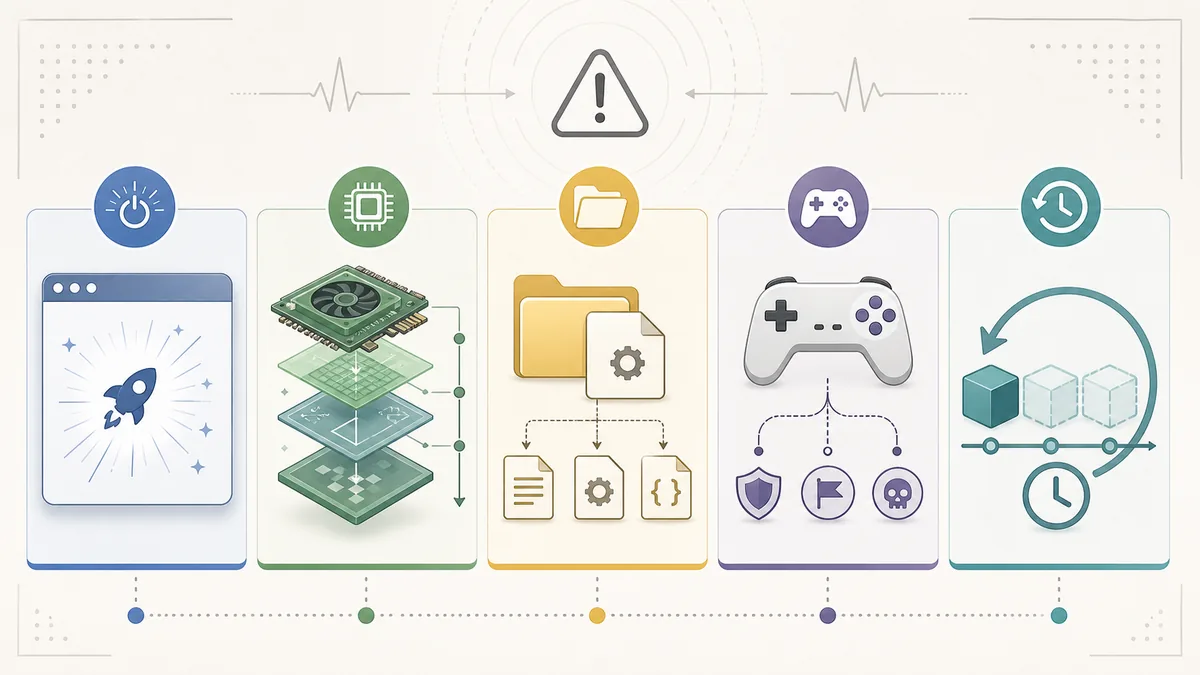
Keys, firmware and game files are part of the boot path, but they should not turn a crash page into a file-sharing workflow. Ryujinx Canary does not include copyrighted keys, firmware, ROMs, DLC or game updates, and this site does not host them. If a game fails before boot with setup-related messages, use your own legally dumped files and the keys/firmware guide. If the game already boots and crashes later, focus on graphics, build changes, settings and title-specific behavior instead of replacing setup files repeatedly.
Canary builds move quickly, so a new build can fix one issue and create another. If Ryujinx Canary keeps crashing only after an update, do not immediately erase your user data. Keep the current build, open the previous working build in a separate app folder, and test the same game, same save point, same graphics settings and same controller profile. If the older build works, record both build numbers and treat the new crash as a likely regression or changed default. If both builds fail, the cause is probably outside that update.
| Comparison result | Meaning | Next step |
|---|---|---|
| Old build works, new build crashes | Likely Canary regression or changed default | Keep old build for now and document the failure. |
| Both builds crash | Likely driver, setup file, profile or game-file issue | Return to baseline and test another known-good title. |
| Only one shortcut crashes | Launcher or permission layer | Compare desktop launch, Steam shortcut and folder permissions. |
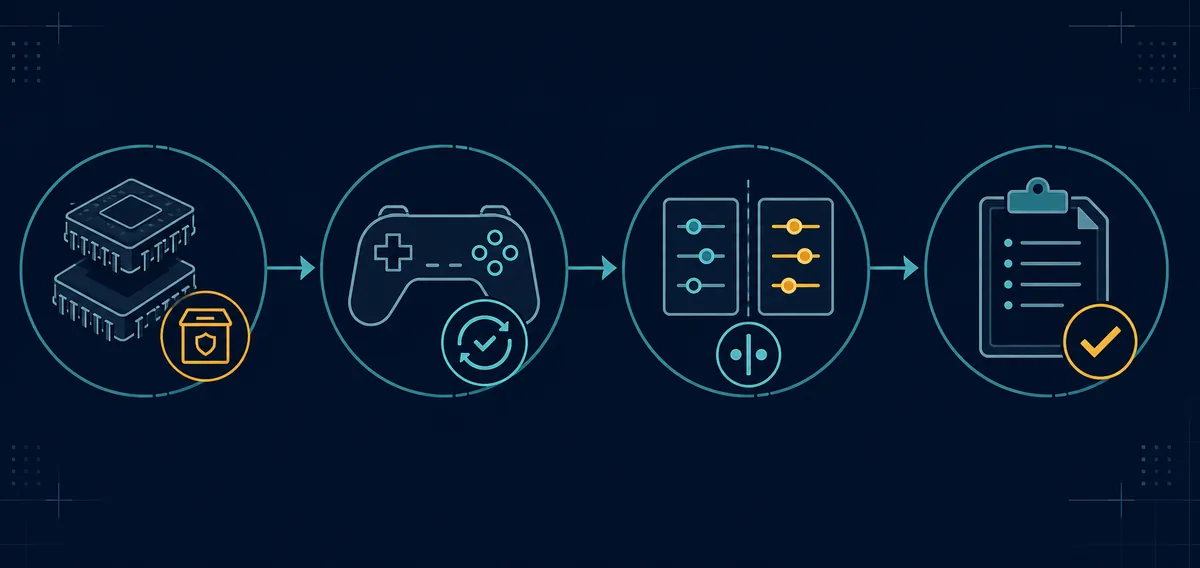
Audio and controller symptoms can appear near a crash without being the root cause. If audio disappears and then the app closes, record whether the same game also crashes with default audio settings and a default controller profile. If input stops working but the game stays open, use the controller guide instead of reinstalling the emulator. Keep crash, audio, input and setup-file workflows separate so one symptom does not send you through unrelated fixes.
Good crash notes make support useful and reduce unsafe advice. Record the Canary build number, operating system, CPU, GPU, driver version, graphics backend, game title and version, firmware version if relevant, whether the title worked before, and the exact crash point. Do not share keys, firmware, ROMs, DLC, game updates or private save files. A short repeatable description is better than a folder of unrelated screenshots.
Use source pages for release verification and official project context before trusting a claimed crash fix or latest build.
Startup crashes often come from incomplete extraction, protected folders, missing execute permission, security software, runtime dependencies, graphics initialization or corrupted configuration. Test a clean app folder before deleting user data.
Only if the failure happens during setup or boot and points to missing or mismatched setup files. If the game already reaches gameplay, graphics settings, drivers, build regressions or game-specific behavior are more likely.
Yes. Canary builds change quickly. Keep the previous working build and compare the same game, settings and scene before changing profiles or deleting folders.
Return graphics settings to a conservative baseline, check GPU drivers and Vulkan support, then test one backend or graphics option at a time with the same game scene.
No. Avoid pages that bundle keys, firmware, ROMs, DLC, game updates or modified executables. Use trusted release sources and legally dumped files from your own hardware.