Look for an official Android release source
Start with Ryubing Canary release pages and documentation. If Android is not clearly listed by the project, do not treat a third-party APK page as official.
Android APK safety guide
If you searched for a Ryujinx Canary Android APK, treat the result as a safety question first. This guide explains what is known, why random APK pages are risky, and which supported Ryujinx Canary setup paths are safer today.
$ query: ryujinx canary android
$ apk status: verify first
$ safe path: official releases
$ avoid: repacked apk mirrors
Independent safety guide. This site does not host Android APKs, keys, firmware, ROMs, DLC or game files.
Start with Ryubing Canary release pages and documentation. If Android is not clearly listed by the project, do not treat a third-party APK page as official.
Avoid pages that bundle keys, firmware, games, updates, DLC, modified launchers or unrelated installers with an APK claim.
If you are on a PC, use the Windows, Linux or macOS guide. If you are on Steam Deck, follow the Linux and Steam Deck path instead of searching for Android files.
Ryujinx Canary setup requires legally dumped files from your own hardware where applicable. A page offering everything in one download is a warning sign.
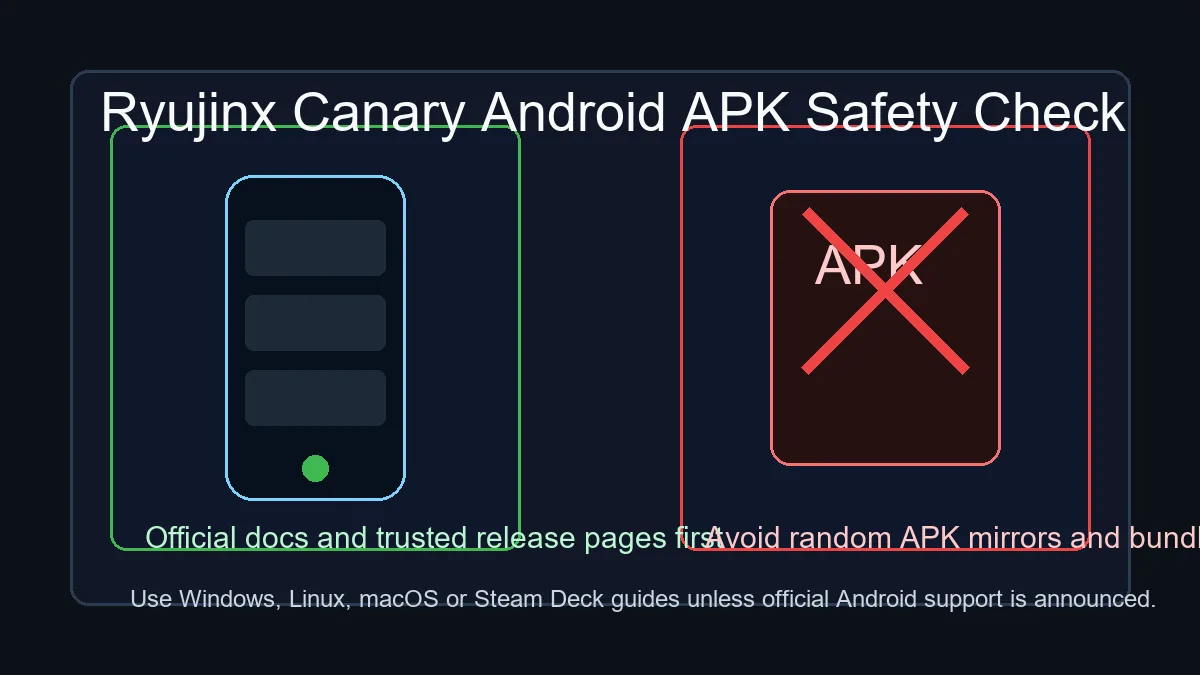
The safe path is to verify official project release pages and documentation first. Random APK mirrors can be outdated, modified, bundled with unwanted files, or unrelated to Ryujinx Canary.
Verify Ryubing Canary releasesThe practical answer is: do not assume an APK is official just because the page uses the Ryujinx Canary name. Verify the current Ryubing Canary release assets and documentation first. If Android is not clearly published there, use the supported desktop or Steam Deck paths and avoid third-party APK downloads.
Many users search this phrase because they want a quick mobile emulator download, a phone-friendly build, or a way to reuse desktop setup advice on Android. The intent is understandable, but Android APK pages are also easy for mirror sites to abuse because users expect a single install file.
An APK mirror can change the file, wrap it in ads, mislabel an older emulator, or imply that keys, firmware or games are included. That creates security, compatibility and legal risks. A trustworthy Ryujinx Canary page should separate emulator builds from copyrighted setup files and link users back to primary release sources.
For most users today, the safer path is Windows, Linux, macOS or Steam Deck. Windows users should use the Windows package guide, Linux and Steam Deck users should check AppImage permissions and Vulkan support, and macOS users should verify Gatekeeper prompts against the release source.
Some searches for Ryujinx Canary Android come from Steam Deck owners who want a handheld setup. Steam Deck should follow the Linux path, not an Android APK path. Start in desktop mode, verify the AppImage or archive, complete setup, then add the app to Steam only after the emulator launches correctly.
Before trusting any APK claim, check whether the exact file appears on an official release page, whether the page explains the maintainer and version, whether hashes or release notes exist, and whether the download avoids bundled keys, firmware, games, installers or browser extensions. If any part is unclear, do not install it.
This site can explain Ryujinx Canary download choices, safe setup order, platform differences and legal placement of user-dumped files. It does not provide Android APKs, prod.keys, title.keys, firmware, ROMs, updates, DLC or game files. That boundary keeps the page useful without pretending unsafe downloads are safe.
Use primary release and documentation pages before trusting APK claims or mirrored downloads.
No. This site does not host Android APKs. Use official release and documentation sources to verify whether Android is supported before downloading anything.
Only trust it if it is clearly published by the official project source. Random APK mirrors, repacked installers and pages that bundle extra files should be avoided.
Steam Deck users should follow the Linux and Steam Deck guide, verify the x64 Linux package, and configure controls after the emulator works in desktop mode.
Some pages mix emulator downloads with copyrighted setup files to attract traffic. Keep emulator builds separate from legally dumped keys, firmware and games.
Use verified Ryubing Canary release sources and the supported platform page for Windows, Linux, macOS or Steam Deck.
No, not unless you can verify that exact APK on an official release source. Version words alone are not proof of authenticity.